Your X, LinkedIn and Reddit bookmarks, in one calm library
Save posts, articles and links in one place. Sort them into folders, highlight what matters, add notes, and read them later in a clean reader.
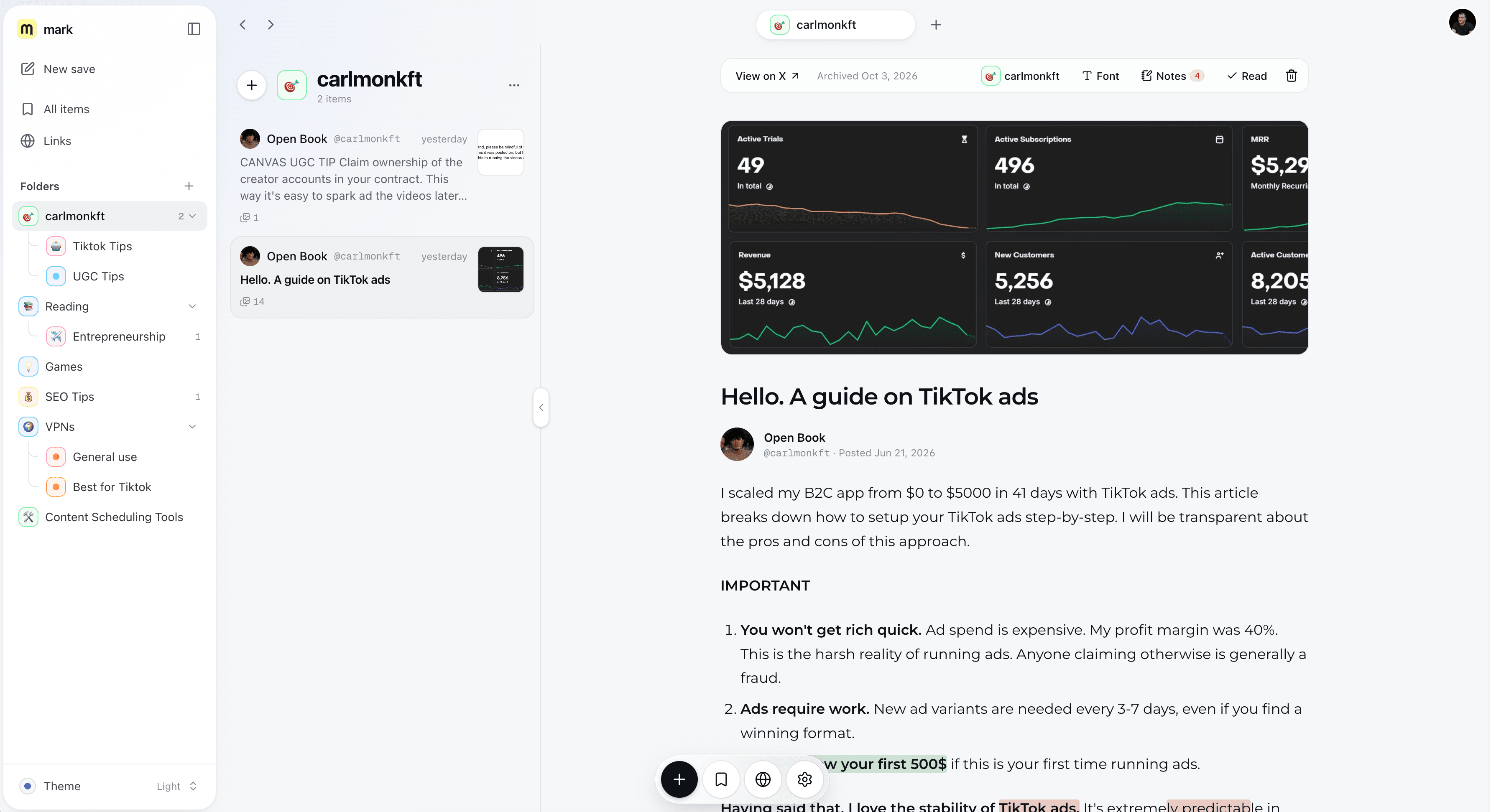
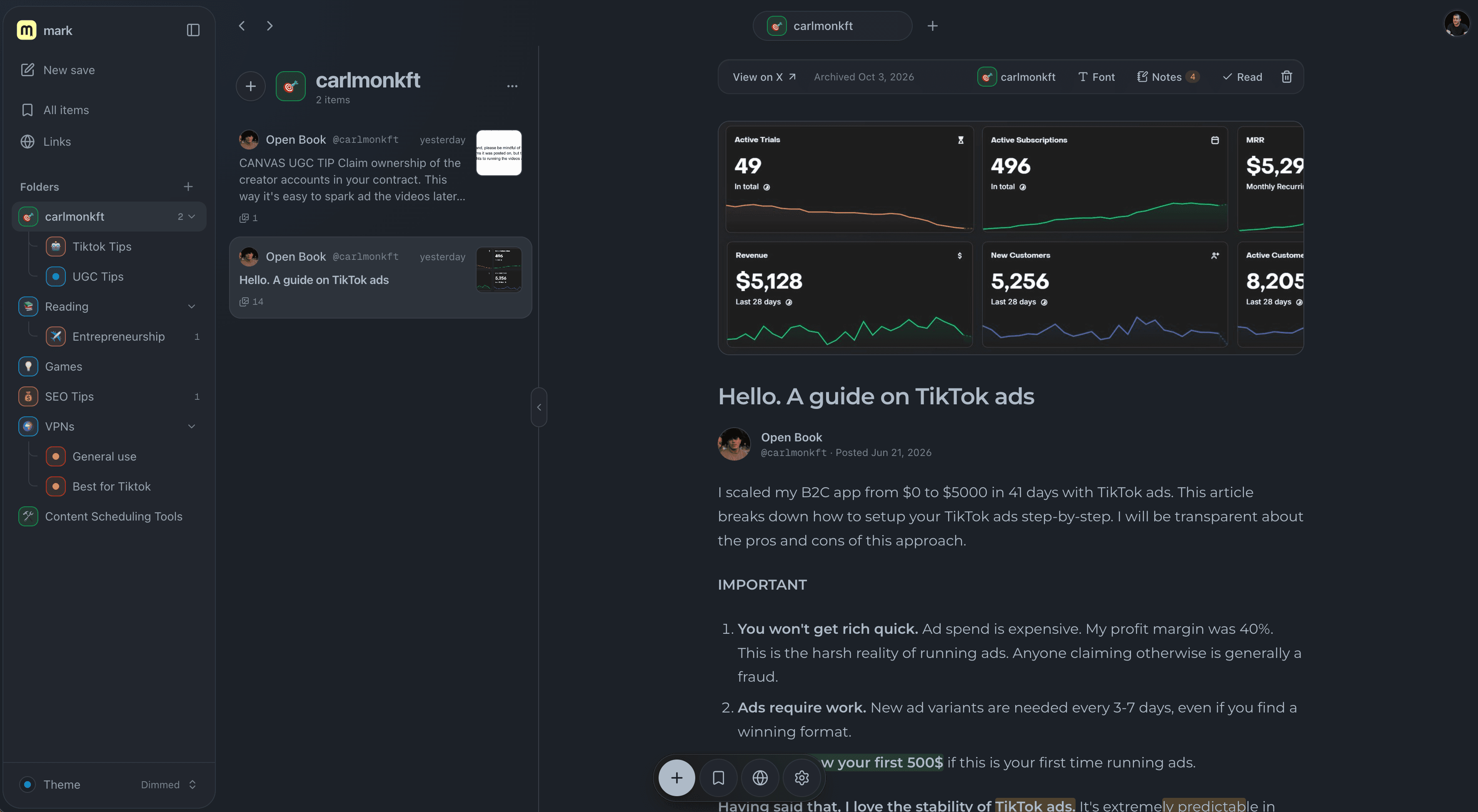
Built for people who save things
Everything you need to save, sort and read, and nothing you don't.
Save in a second
Paste a link, press ⌘K, or drop it in.
Read it later
Text and images in a calm, clean reader.
Highlights and notes
Mark what mattered. Write why.
Folders that look like folders
Nest them, pin them to your dock.
X, LinkedIn, Reddit and the web
Posts keep their text and images. Pages keep a preview.
Calm by design
No feed, no profile, no ads.
Your library, in the tools you use
Ask your AI about it, search it from the terminal, or build on it. Included in both plans.
Ask your AI about what you saved
Connect mark to your assistant with MCP. It searches your library, reads the whole post and quotes your highlights.
- Search, read, save and file from the chat
- Sees your notes and highlights
- One command to set up, copied from Settings
- Claude Code
- Claude Desktop
- Cursor
Make a key in Settings, paste one line, and you're connected. Read the docs
Why I built this
I save a lot: threads on X, Reddit answers, LinkedIn posts, the odd blog post that changed how I work. They ended up scattered across three apps' bookmark tabs, a notes app and forty browser tabs, and I could never find the one I wanted.
I wanted one quiet place for all of it: searchable, sorted into folders, with my highlights and notes next to the text, and a reader that isn't fighting me for attention.
So I built mark. There's no feed and no ads, and it's paid for by the people who use it. I use it every day, and I hope it helps you find the things you saved for a reason.
 Bartu
Pricing
Start with the posts that matter most. Move to Growth when you want to keep everything.
Starter
For the posts you can't afford to lose.
$9/month
Billed monthly. Cancel anytime.
- Keep up to 20 posts, articles and links
- Text and images saved for reading later
- Folders, highlights and notes on any save
- A calm reader in your own fonts and themes
- Connect Claude and Cursor with MCP, plus a CLI and API
Growth
Most popularFor people who bookmark everything.
$19/month
Billed monthly. Cancel anytime.
- Save as much as you like, no limit
- Everything in Starter
- A calendar and notes to plan your reading
- Priority email support
- New features before anyone else
Questions
The short answers to what people ask before they subscribe.
What does a save include?
Enough to read it later in mark's reader. For X posts and articles: the full text, photos, the author's avatar and article covers. Videos and GIFs keep their thumbnail. LinkedIn and Reddit posts keep their text, author, date and images. For any other web link: the title, description and preview image.
How do I save something?
Paste a link into the save box (⌘K), or drag a link onto mark from another tab. Drop it on a folder to file it in the same move.
Can I organize what I save?
Yes. Make folders with your own name, color and emoji, nested up to three levels deep. While you read, you can highlight passages and add notes.
Who can see my library?
Your library is for your own reading. mark has no public profiles, no feed and no sharing, and saves are never republished. Authors can ask us to remove their content at any time (see our copyright policy).
Can I use mark with Claude, Cursor or my own scripts?
Yes, on both plans. Make an API key in Settings, then connect mark's MCP server to Claude Code, Claude Desktop or Cursor so your assistant can search and quote what you've saved. There's also a command-line tool and a REST API.
Can I switch plans later?
Yes, from Settings. Moving to Growth lifts the 20-save limit right away, and you can switch between monthly and yearly billing whenever you like.